Build for every screen with the latest Jetpack Compose updates from Android Developer Summit
3 min read

The Android ecosystem is a multi-device reality that spans phones, foldables, tablets, wearables, in-car displays, XR, and Googlebook. In this landscape, adaptive development is foundational to reaching users wherever they are.
Jetpack Compose is the standard for building all UI across Android. Moving beyond the legacy View system gives you a single, unified development target that eliminates the friction of maintaining fragmented codebases across different form factors. But building adaptive layouts is only half the picture. When screens fold, windows resize, or apps transition across form factors, traditional layout assumptions may break down, and it is easy for apps to lose state or feel disjointed.
At the Android Developer Summit, we shared how we are advancing app foundations across both UI and architecture by bringing Compose deeper into your data layer with Jetpack AppState, while giving you adaptive building blocks like FlexBox and Grid, and agent-ready tooling to scale across screens every screen.
Check out some highlights of our recent announcements below or also head to our Android Developer site to catch over 50 on-demand sessions, including best practices for app foundations.
Advancing core foundations and bringing Compose beyond the UI
The upcoming Compose 1.13 stable release is expanding the toolkit with built-in support for adaptive layouts through Grid and Flexbox and new functionality like Progressive Blur and Formatted Text. To see the latest features with Graphics like mesh gradients and progressive blurs without sacrificing battery life or frame rates, watch Elevate your apps with the latest graphics features in Jetpack Compose and Android.
Alongside visual rendering, Compose text editing now features a completely rewritten BasicTextField with a buffer-driven architecture and TextFieldState, eliminating IME race conditions and supporting rich text formatted editing mechanics. Watch Building reliable text editing experiences in Compose, to learn more about this shift.
As you introduce these rich visual and interactive experiences, maintaining smooth frame rates and low startup latency is critical. Check out Outperform yourself in Compose to explore how to profile with Perfetto and recomposition tracing, identify costly anti-patterns, and keep your UI running smoothly.
Compose is also expanding into the architecture layer with Jetpack AppState, now in alpha. AppState brings Compose's snapshot system into your app's architecture: Transform lets you derive reactive state from State and Flow inputs using automatic read tracking and plain Kotlin control flow, while StateStore gives you a keyed container to share observable state across activities, background services, widgets, and App Functions—with optional DataStore persistence. Watch Taking Compose State Beyond the UI with Jetpack AppState to see how moving Compose state up your stack simplifies complex state pipelines and keeps every surface of your app in sync.
Designing robust navigation and input systems for across form factors
As apps grow more modular, navigation and user input need to stay predictable across every entry point and screen size. With version 1.2, Jetpack Navigation 3 brings built-in, type-safe deep linking to its developer-owned back stack. Using Kotlin Serialization, you can map incoming URIs and intents directly to strongly typed navigation keys, customize how complex arguments are parsed, and lazily build synthetic back stacks so back navigation always feels natural. To see these APIs in action, check out Building type-safe deep links with Jetpack Navigation 3.
Input handling has also evolved to support multi-modal interactions across devices. Compose's layered input system extends seamlessly beyond touch to support trackpads, mice, and physical controls. To see how to manage pointer lifecycles, hover states, and hardware events across form factors, watch Scaling input interactions beyond the touchscreen with Jetpack Compose.
Scaling interfaces across large screens, desktop, and beyond
When moving across foldables, tablets, and laptops, interfaces must adapt naturally rather than simply stretching content to fill larger displays. Building adaptively with Compose development combines Navigation 3, WindowManager, and agentic workflows to help you refactor mobile layouts into responsive multi-pane experiences with minimal manual overhead. For developers looking to take their existing layouts further, Scale your app for every screen with Compose walks through these multi-pane architecture patterns and demonstrates how to optimize navigation flows as window sizes change.
Expanding beyond mobile form factors also unlocks new opportunities like with Googlebook. Building desktop-class experiences requires physical peripheral support, windowing environments and more. In Inside the first wave on Googlebook with Notability and Logitech, early partners share practical engineering strategies on optimizing for pointer interactions, external hardware, and desktop-grade workflows.
Get started with our Android skills
To help you implement these patterns even faster, you can leverage Android skills to help your coding agents. Whether you use Gemini in Android Studio or run the Android CLI with other agents, these skills handle the heavy lifting for you and be compliant with the Adaptive Quality Guidelines. For Compose we currently have:
- The updated Adaptive skill helps agents transform compact screens into responsive multi-pane layouts and handle state and configuration change. It now adds foldable and desktop support, automatically handling windowing, keyboard shortcuts, tooltips, and trackpad hover states.
- New Compose performance skill to help optimize your codebase
- XML to Compose migration skill
- New Ink skill
Beyond core architecture and adaptive layouts, you can explore technical deep dives covering Media3 playback, CameraX pipelines, in-car experiences, rich graphics, and lessons from migrating Google Play to Compose at scale. Check out the full collection of technical walkthroughs in the Android Developer Summit App Foundations session playlist to explore the architectures, code walkthroughs, and practical guidance.
-

 Events & Programs
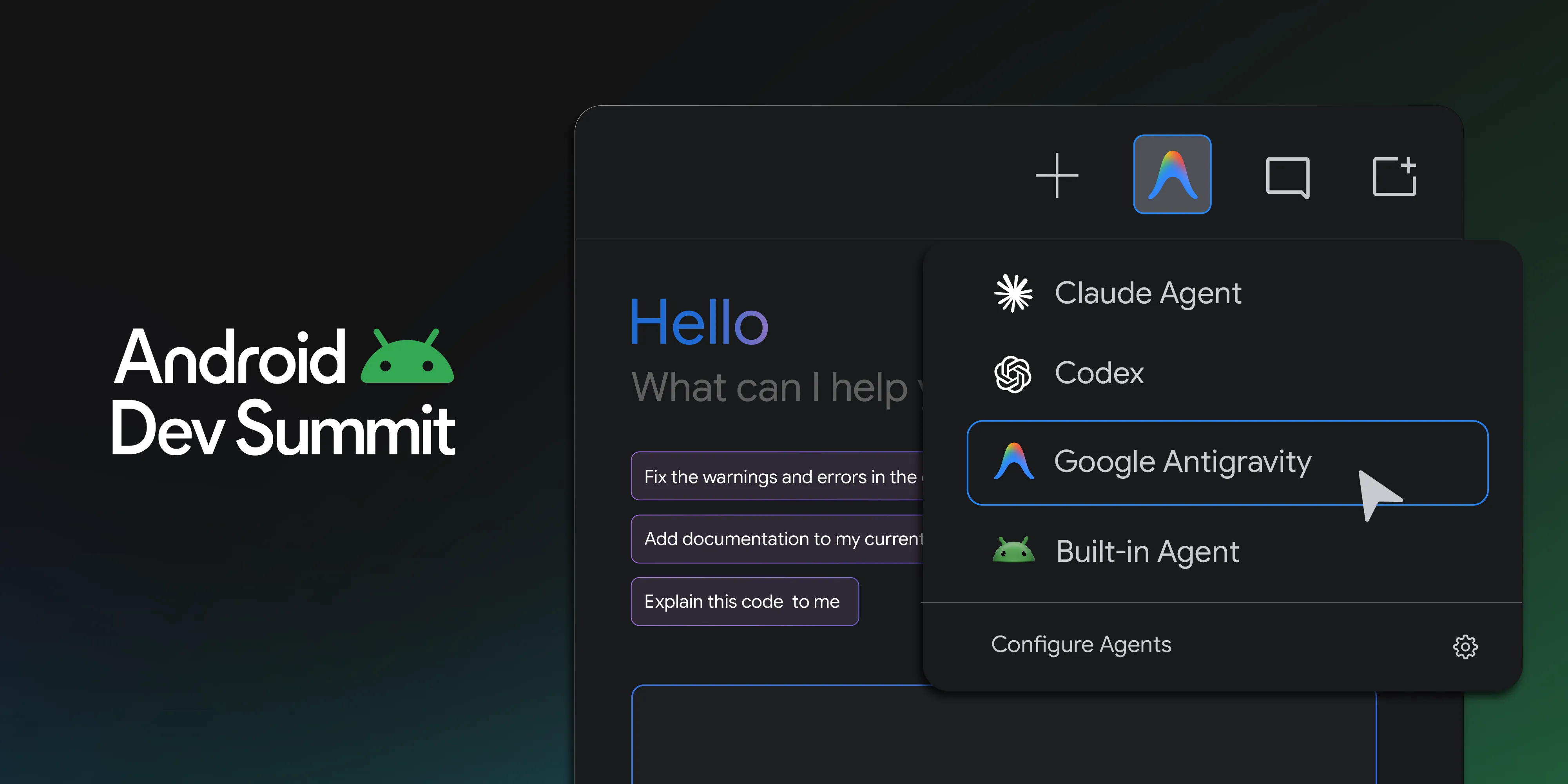
This year at Android Dev Summit we shared how Android's developer tools are evolving to help you be more productive alongside your agents.
Adarsh Fernando • 10 min read -
 Events & Programs
We’re opening applications for the Android XR Developer Catalyst Program, a dedicated initiative to accelerate the development of Android XR apps ready to launch within the next year.
1 min read -
 Events & Programs
The Google I/O schedule is here!
1 min read
Get the latest Android development insights delivered to your inbox weekly.