
The progress indicator communicates the status of a known or unknown process time.

Principles
Clear Feedback: The progress indicator provides immediate feedback.
Consistent: All progress indicators should share a core visual language to be instantly recognizable.
Flexible: Variety of progress indicators and states provide flexibility to communicate progress.
Usage & Placement
Progress indicators show the status of a process in real time.
Indication can express determinate progress, with a known process time, like a timer.
Or indeterminate progress, with unknown process time, like loading.

Do

Don't
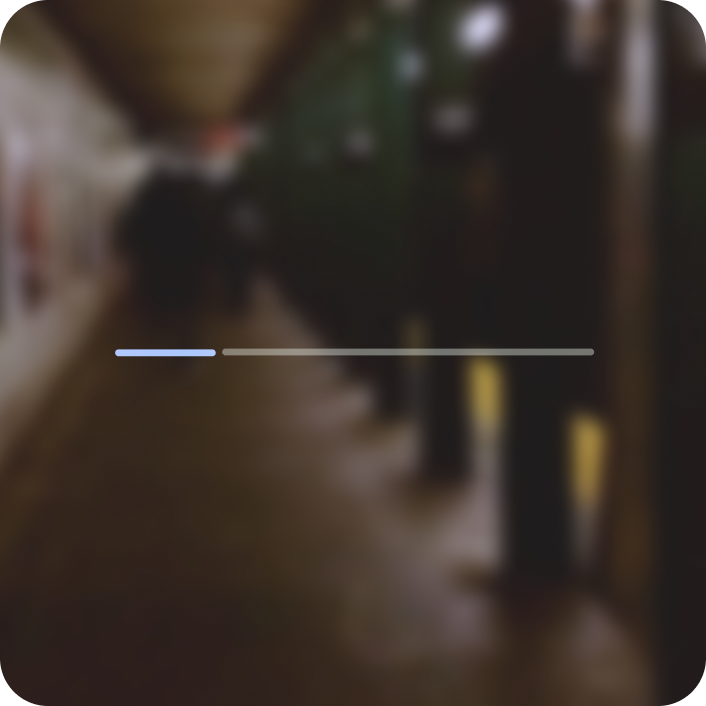
Do
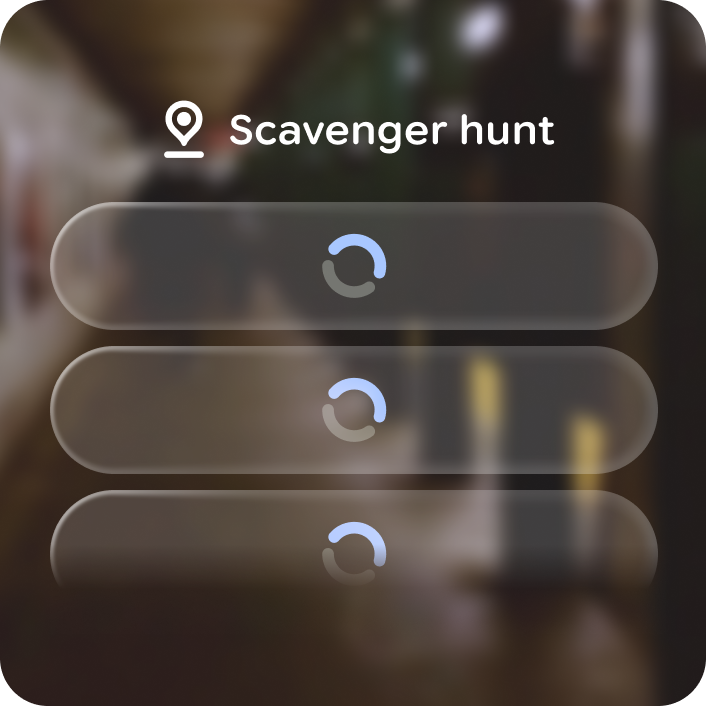
Don't
Anatomy
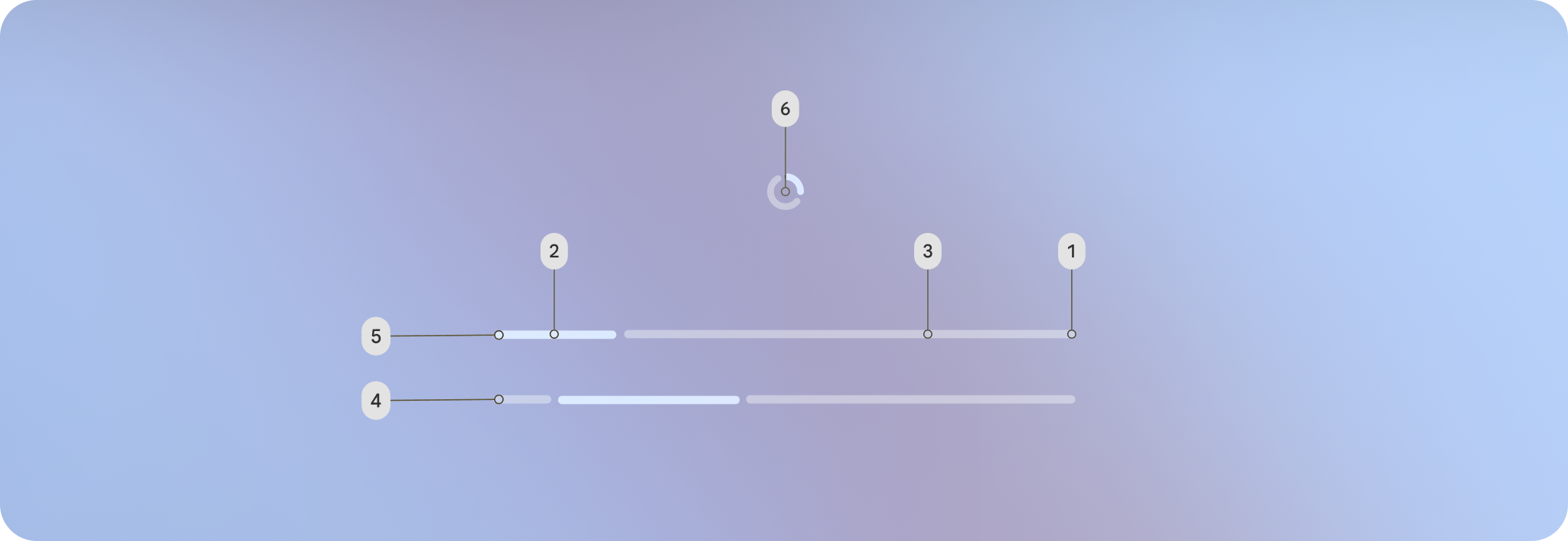
1. Determinate progress stop - shows the definite endpoint.
2. Current progress
3. Future progress
4. Indeterminate processing
5. Linear
6. Circular
Customization
Besides determinate and indeterminate, progress indicators also come in linear, circular, and wavy variations.
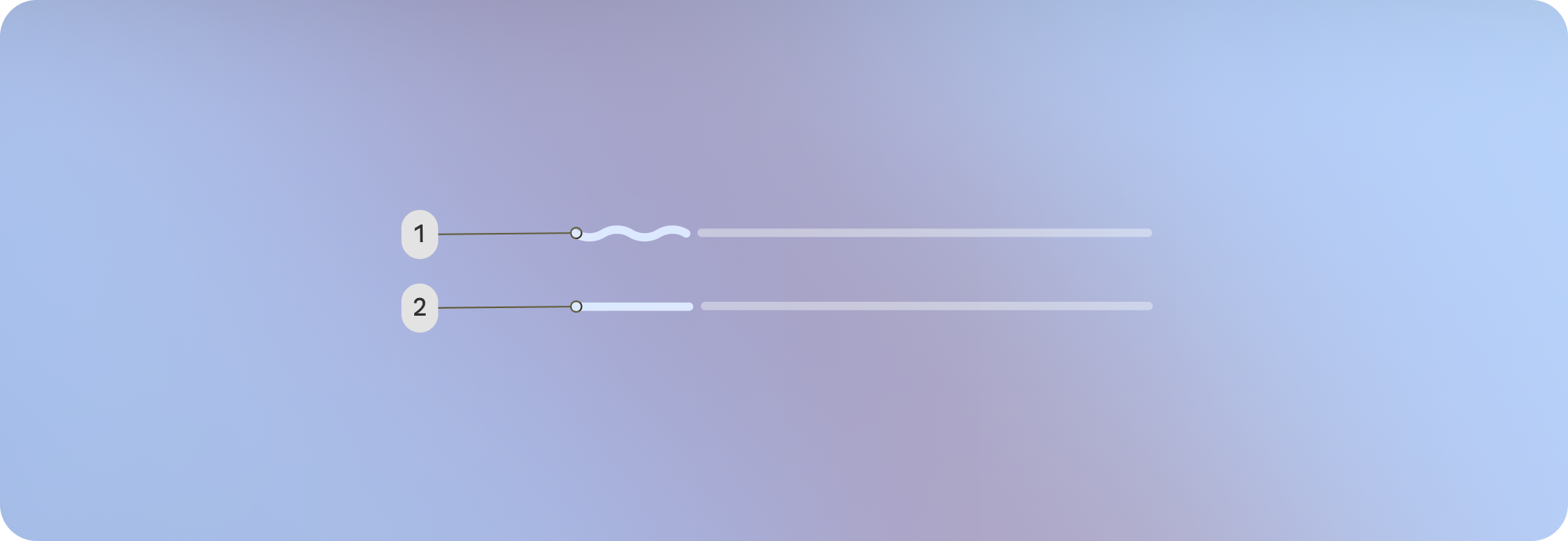
1. Wavy
2. Linear
All of the wavy and linear variants of progress indicators share the same properties, customization options, and defaults. The following table describes these details.
Linear
| Properties | Customization | Defaults |
|---|---|---|
| Thickness | Yes | 6 dp |
| Indicator color | Yes | Primary |
| Track color | Yes | Outline |
| Size | Yes | 360 dp |
Circular
| Properties | Customization | Defaults |
|---|---|---|
| Thickness | Yes | 6 dp |
| Indicator color | Yes | Primary |
| Track color | Yes | Outline |
| Size | Yes | 40 dp |