
Audio plays a crucial role in the intelligent eyewear experience, especially on audio glasses. With little or no visual or haptic feedback on the glasses themselves, audio is the primary way to get the user's attention, deliver information, and respond to their input. The challenge is designing sounds that feel delightful but are still audible in an open-ear environment.
Close to the ear
Unlike a mobile device, where the speaker sits at a distance and sounds are built to grab attention from across the room, the speakers on audio glasses sit right next to the user's ears. Sound doesn't have to travel far to reach the user, so the experience is far more personal. Users wear glasses all day and hear the same sounds many times a day. Repetition makes anything harsh, long, or overused more noticeable. That calls for subtler, less intrusive design.
Open-ear experience
Unlike headphones, glasses leave the ear unsealed, allowing users to hear surroundings like traffic or conversations. Audio must blend naturally with the environment without competing or masking real-world sounds.
Sound design principles
The audio experience should embody the following principles.
Every sound has a purpose
Every sound on the glasses should serve at least one of three jobs. If it doesn't do any of them, it shouldn't play.
 Communicate information
Tells the user that something has happened or a status has changed, like when the battery is low.
 Confirm intent
Acknowledges the user's input so they know it worked. For example, confirming volume adjustment.
 Ask for attention
Asks the user to notice something or act on it, like a notification prompt.
Remember that a sound can have multiple purposes, for example : a low battery sound serves as both information and asking for the user's attention.
Glasses audio should also be purposeful and harmonious with the user's other devices, not repeat what they already do.
Straightforward design
Designing for audio can take advantage of people's instinctive responses to sound by matching emotional tone and building on known references. Use uplifting sounds for positive moments and negative sounds for failed interactions to match emotional tone. A camera shutter needs no explanation because everyone knows a photo was just taken.
Do
Don't
Do
Don't
Do
Don't
Character over loudness
Close-range sounds can startle users, like on audio glasses, can cause fatigue, and leak audio to others if too loud. Increasing volume is ineffective in loud environments and quickly becomes uncomfortable.
Rather than relying on volume, differentiate sounds through their unique character. Key qualities like a distinct timbre, a pitch range that stands over environmental noise, and a well-defined envelope—featuring a clean attack and a brief, gentle tail—allow sounds to remain clear and noticeable at lower levels. This ensures audio is instantly recognizable on a bustling street while remaining subtle and comfortable in quiet surroundings.
Respect the moment
Integrate audio seamlessly into everyday context: keep notifications succinct, pause or yield gracefully when concurrent media plays, and reserve prominent signals strictly for high-priority alerts. Interrupting at an inappropriate moment undermines user trust far more than a delayed update.
Because apps share a unified speaker output alongside music, phone calls, navigation, and digital assistants, sounds must actively adhere to audio focus rules and coexist harmoniously with active streams.
Common use cases
Here are a few examples of audio patterns for glasses.
Focus change
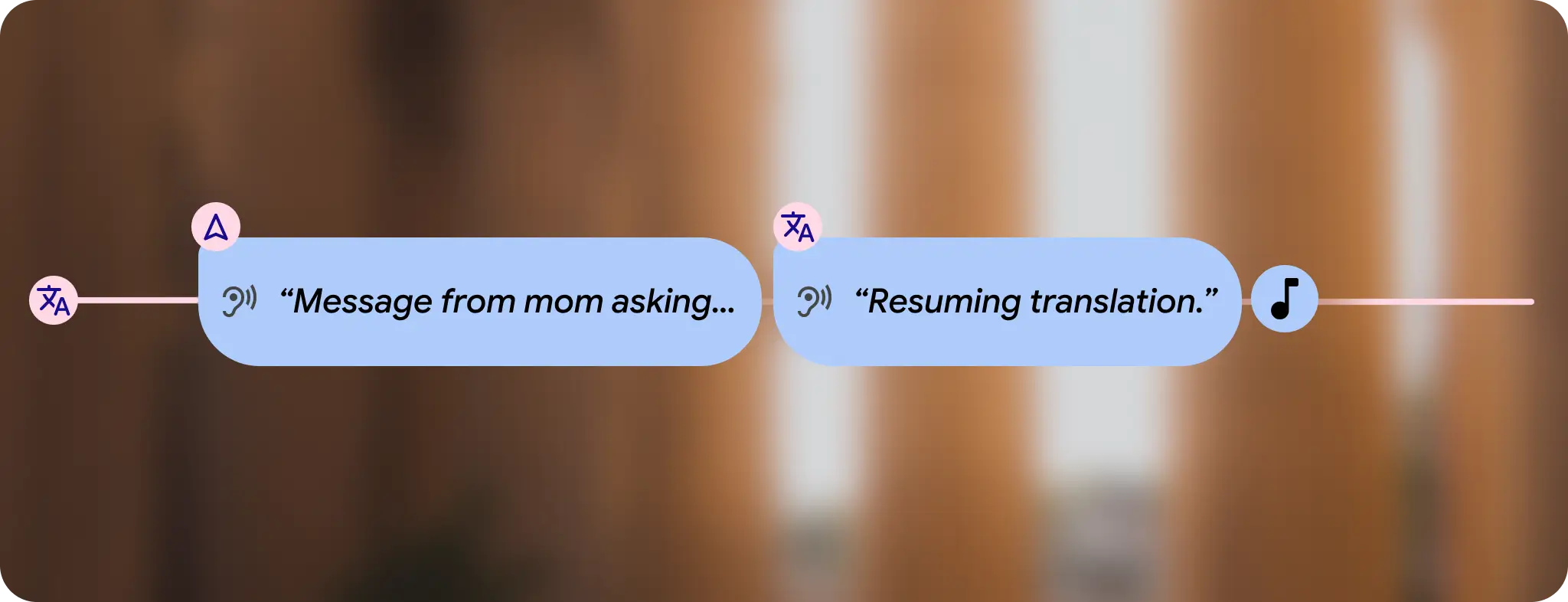
If an app loses audio focus and regains it, it's often useful to trigger a voice alert to inform users that their experience has resumed.
Exiting an app
When closing an app, it's important to give the user clear feedback to ensure they know the app has closed.

Mute
Muting directly from audio glasses requires immediate feedback. Earcons reinforce the exact moment the mic becomes muted, while explicit voice alerts confirm microphone status and build user trust.