Voice alerts are vocal sound messages. Most voice alerts should be preceded with an earcon to let the user know the system is about to speak. Because they're typically accompanied by an earcon, voice alerts should also follow the audio focus patterns.
Voice alerts provide clarity that can't be provided by an earcon alone, like a unique interaction or state change. For example, a lost connection or closing translation.
If an interaction is performed on mobile and affects the glasses experience, like mute, play an earcon but forgo the voice alert. For example, muting a Meet call from the phone.
Don't
Information readout
If an app is paused or lacks frequent audio output, an Information readout updates users when tapping the glasses. This keeps users informed without needing to recall recent app activity or assuming it stopped. On audio glasses, tapping the touchpad triggers a status readout or play and pause instead of holding Gemini or agents.
Generic
Generic voice alerts don't benefit from a unique voice, they exist purely to help the user understand the state of the audio app. Generic voice alerts take advantage of the default text-to-speech solutions.
Use the standard system voice for consistency when possible to reduce cognitive load and feel more premium and considered.
The following are examples of generic voice alerts:


Bespoke
These voices are unique and core to the audio experience. It's important to allow these to be custom and branded to heighten the audio experience. Bespoke voice alerts use a custom text-to-speech implementation.
Use a branded voice only when it matters. Leverage bespoke voices for high impact & distinct shifts in experience.

What makes a good voice alert?
When designing and writing for your app's voice alerts, consider the following:
Use a non-technical and personal style
Write your app's voice in a consistent, concise, conversational, and helpful style. Consider starting with an active verb for actions to help direct users clearly.
Action starts with the active verb, "Starting...", "Closing..."
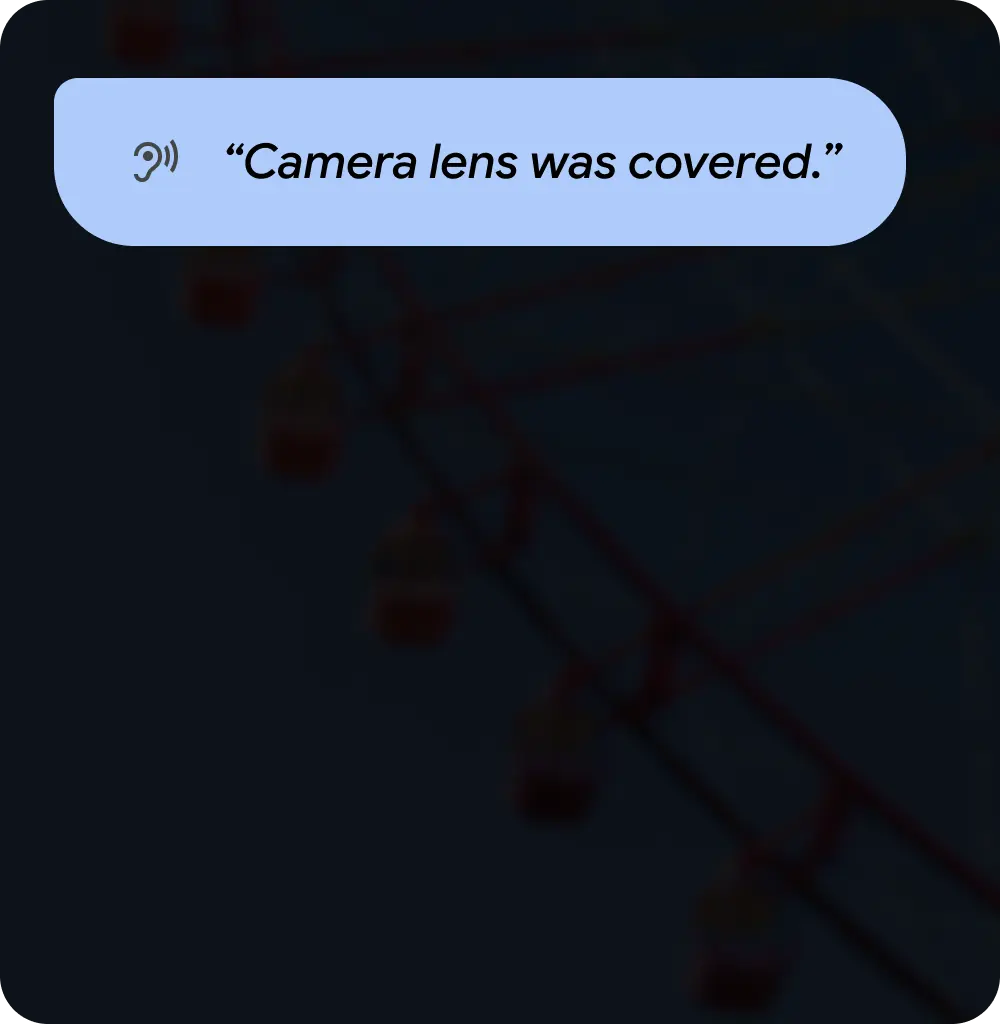
Do
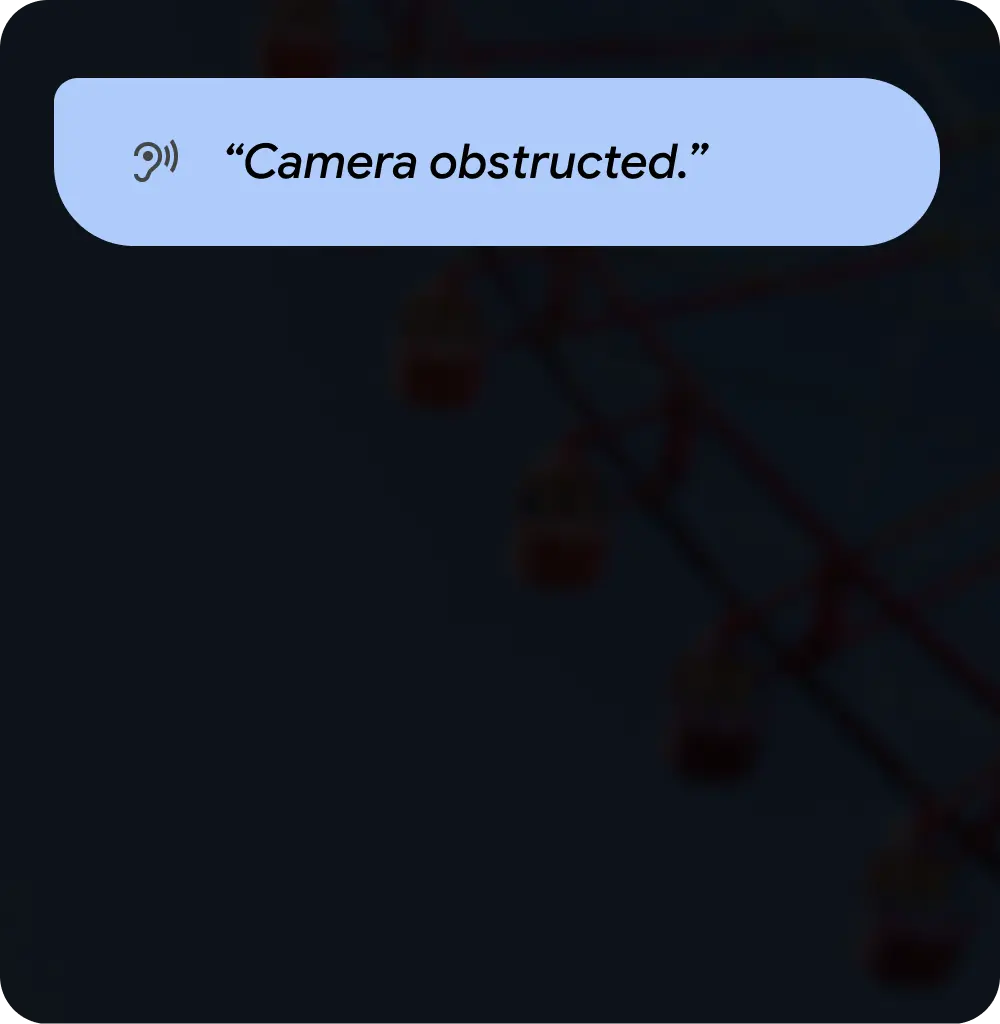
Don't

Do
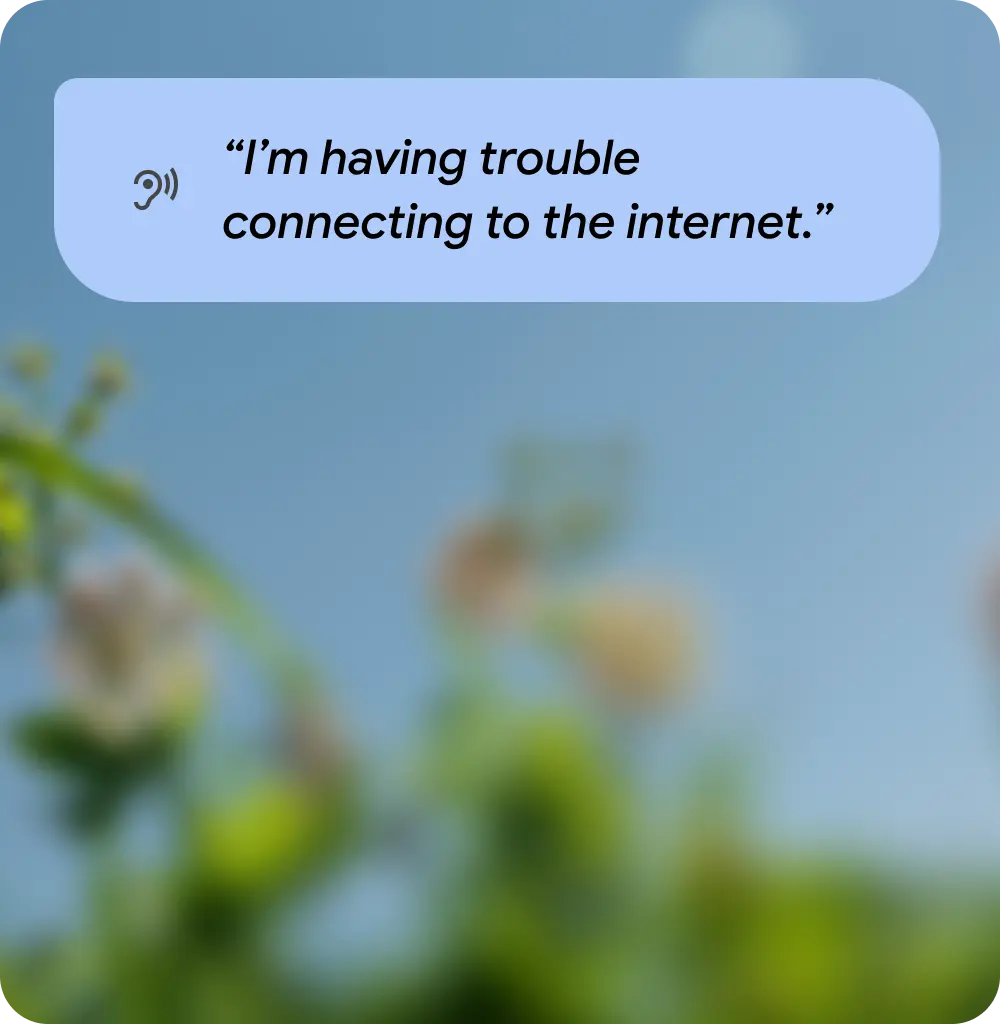
Don't
Balance brevity with clarity
Common voice alerts shouldn't disrupt the user's experience, meaning a good brief message is better than a perfect and exact, but long message. More uncommon use cases can benefit from more explanation to help avoid cognitive overload or to leave the user guessing a solution. Consider what information is needed to proceed.
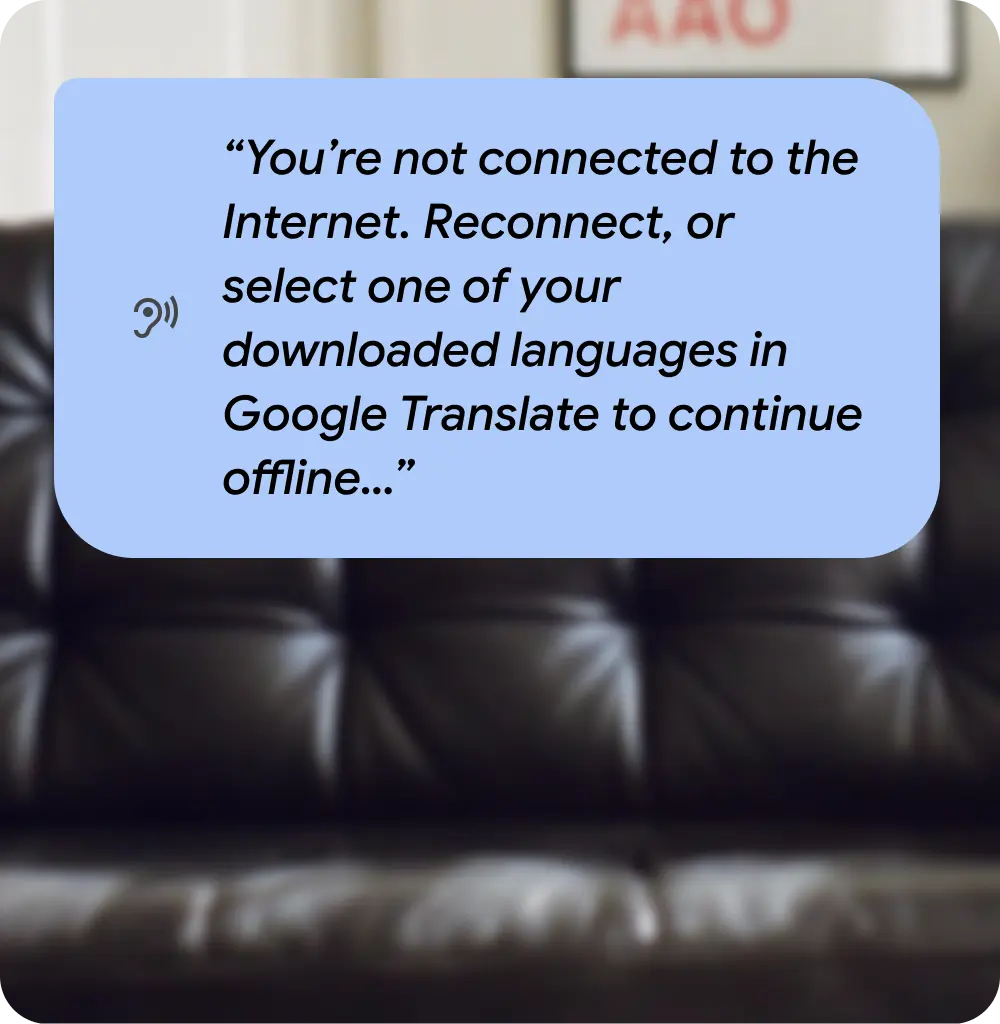
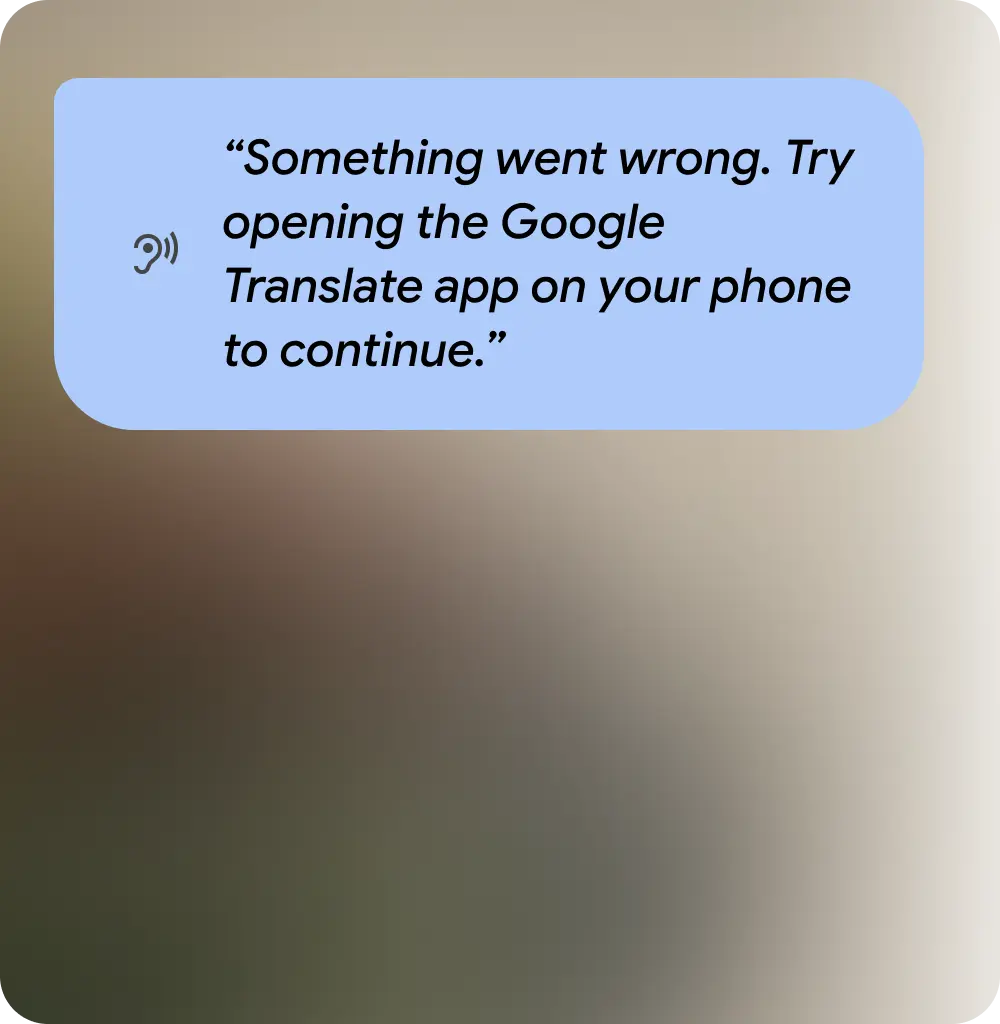
Do
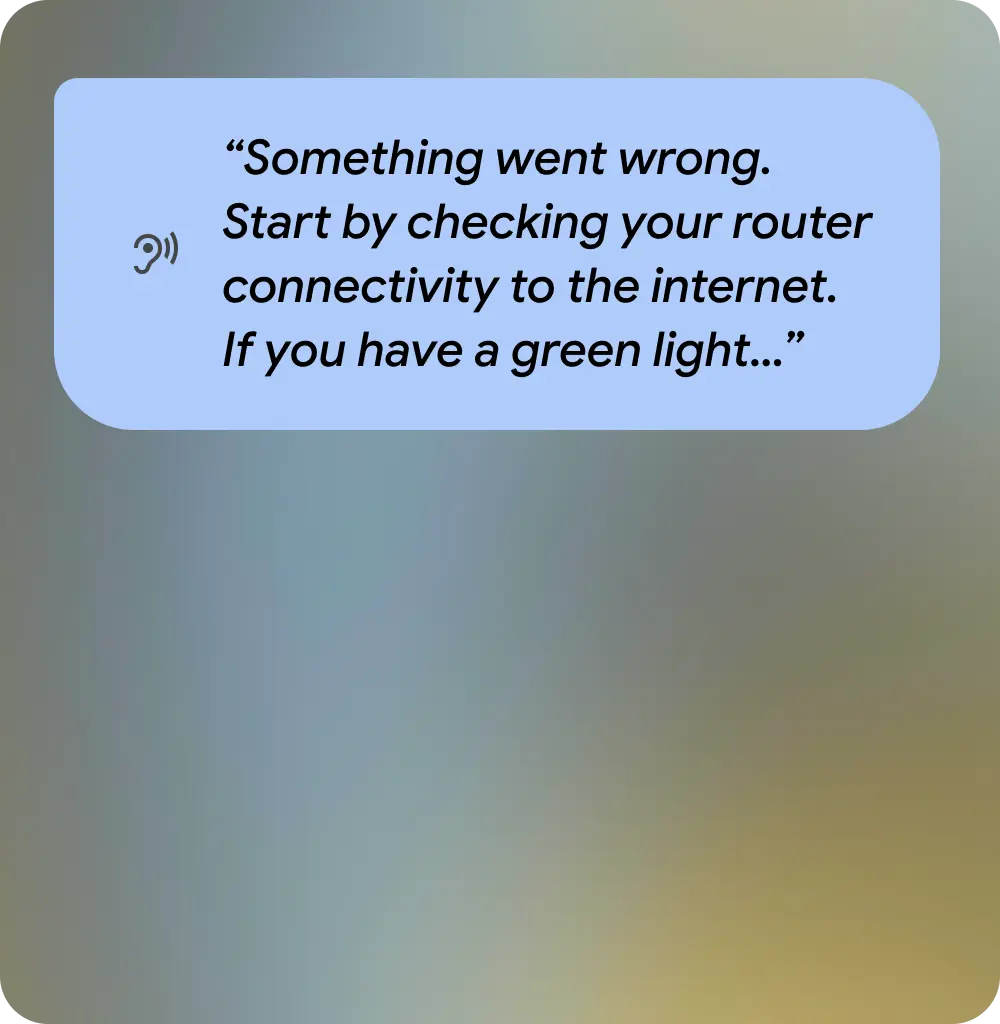
Don't
Consider the user's environment
Voice alerts on display and audio glasses need to contend with the user's environment and multidevice use cases. For example, they might need to start or end a user flow on their phone.
Do
Don't
Follow error writing best practices
Voice alerts should follow standard UX writing methodology, especially with error messages.errors. Offer possible solutions by explaining why and how to resolve them. If a problem can be resolved with another attempt, encourage the user to do so. Don't write in a playful or mocking tone when an error occurs.