Configure Gemini
Stay organized with collections
Save and categorize content based on your preferences.
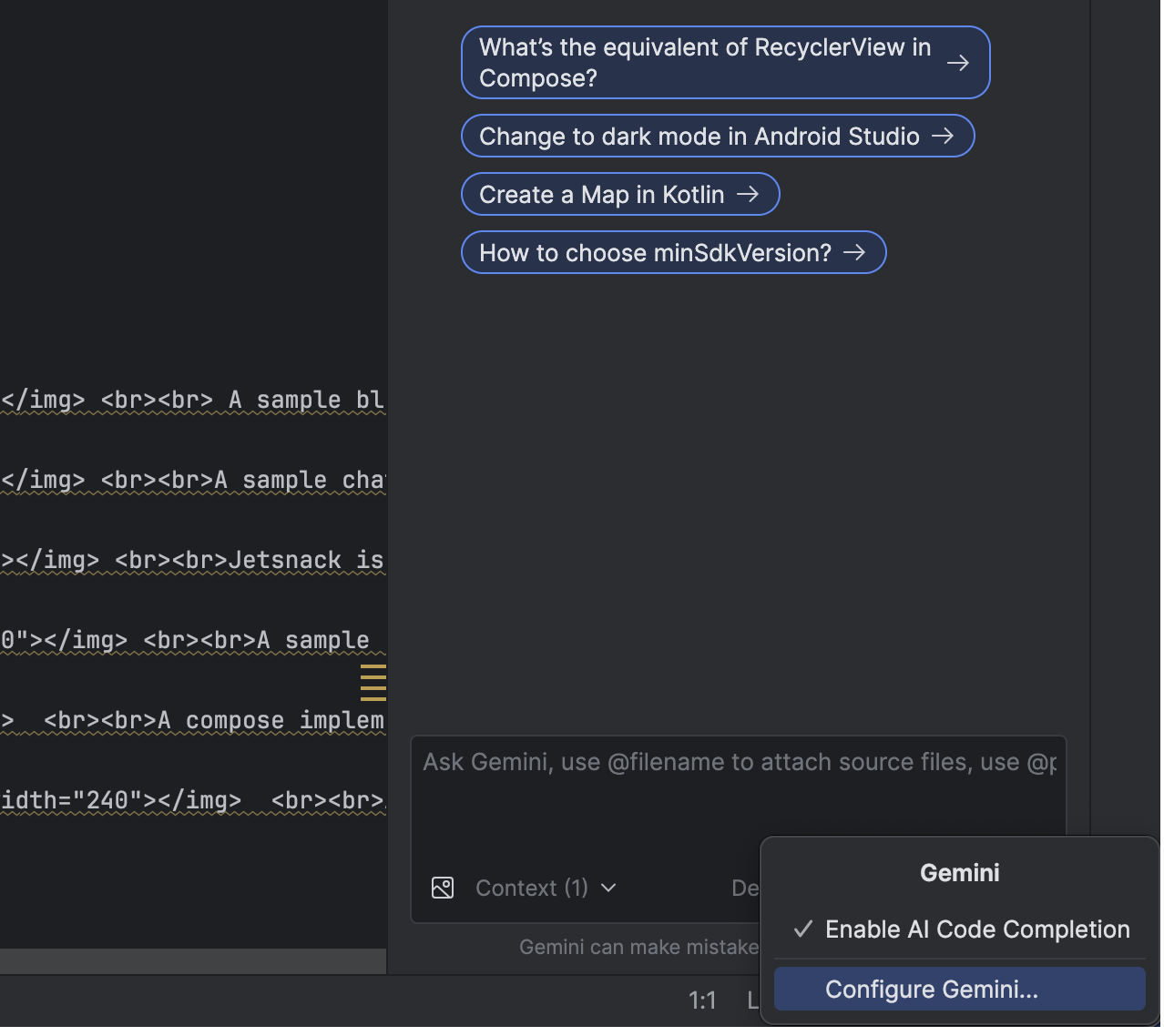
To access Gemini in Android Studio's settings, click the Gemini icon at
the bottom of the Studio IDE
and select Configure Gemini. You can also quickly toggle the
code completion feature on and off right there
in the menu.
Android Studio settings for Gemini configuration and code completion.
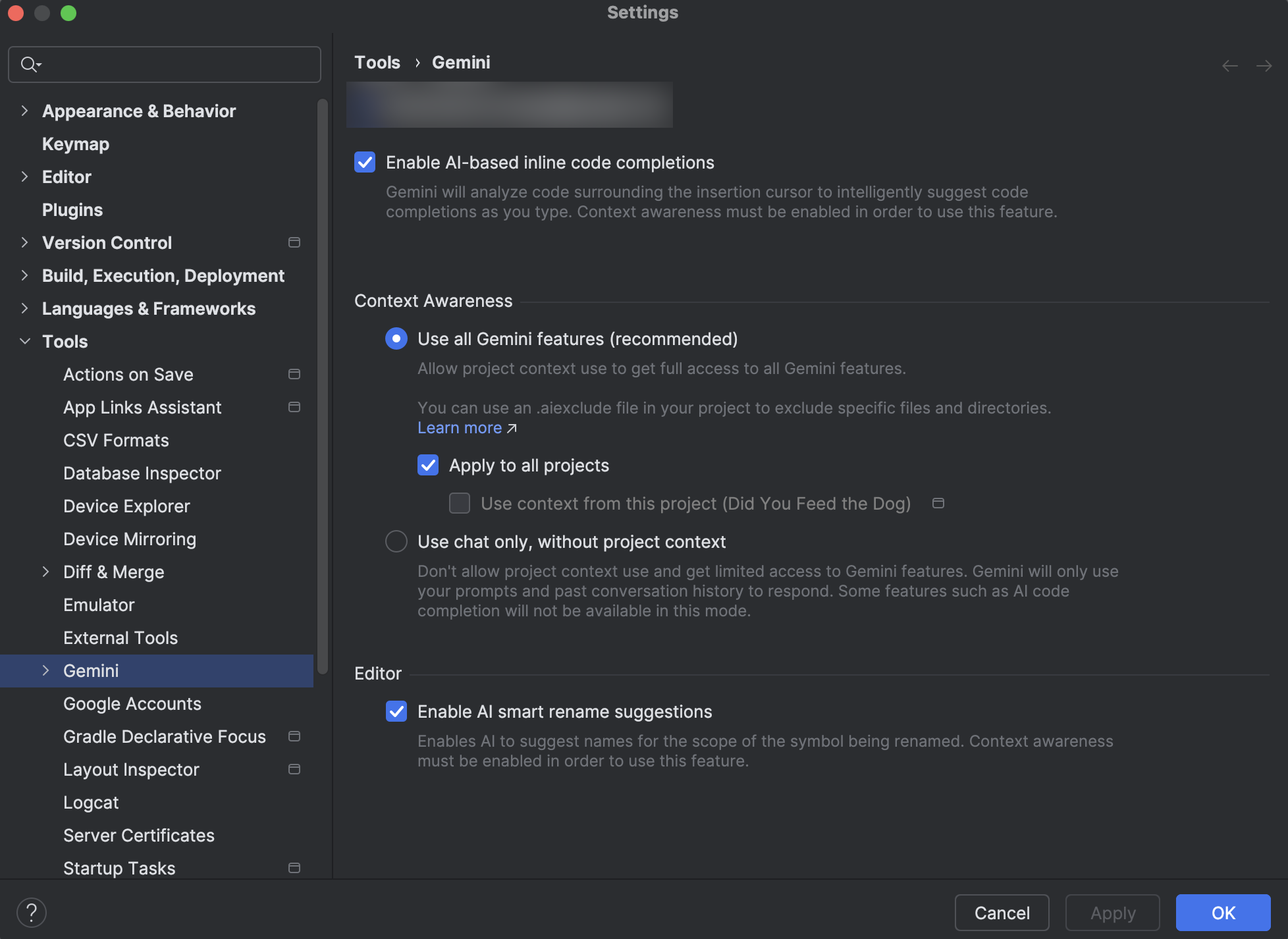
Alternatively, access Gemini's settings through File (Android Studio on
macOS) > Settings > Tools > AI.
Android Studio settings for Gemini configuration.
Content and code samples on this page are subject to the licenses described in the Content License. Java and OpenJDK are trademarks or registered trademarks of Oracle and/or its affiliates.

 and select Configure Gemini. You can also quickly toggle the
code completion feature on and off right there
in the menu.
and select Configure Gemini. You can also quickly toggle the
code completion feature on and off right there
in the menu.