
The following are the release notes for Android Studio Quail 3.
Patch releases
The following is a list of patch releases for Android Studio Quail 3.
Android Studio Quail 3 | 2026.1.3 Patch 1 (August 2026)
This minor updates includes these bug fixes.
The following are new features in Android Studio Quail 3.
Improvements to Planning Mode
Planning Mode facilitates a multi-stage reasoning process, giving the agent more space to evaluate its own proposed logic for potential issues before presenting it to you. This is especially useful for complex and long-running tasks which demand a high degree of precision.
How to use Planning Mode
You can explicitly kick off Planning Mode by including the /plan command
in your prompt, or by asking the agent to generate a plan before it starts
implementing code.
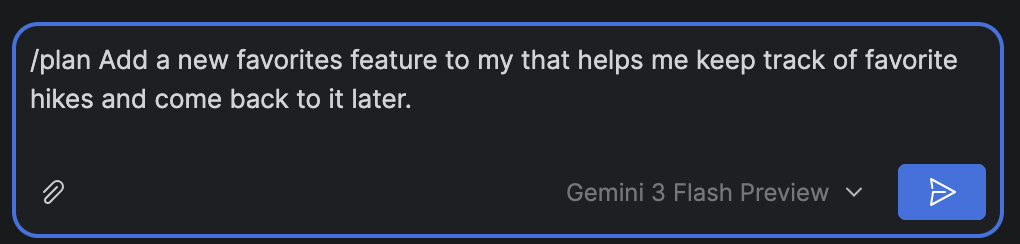
/plan explicitly.Once the agent examines your request and generates an implementation plan, you can review it. You can iterate on the plan with the agent, going back and forth to fix mistakes or clarify which approaches to use—all before the agent has spent any time or tokens executing actions.
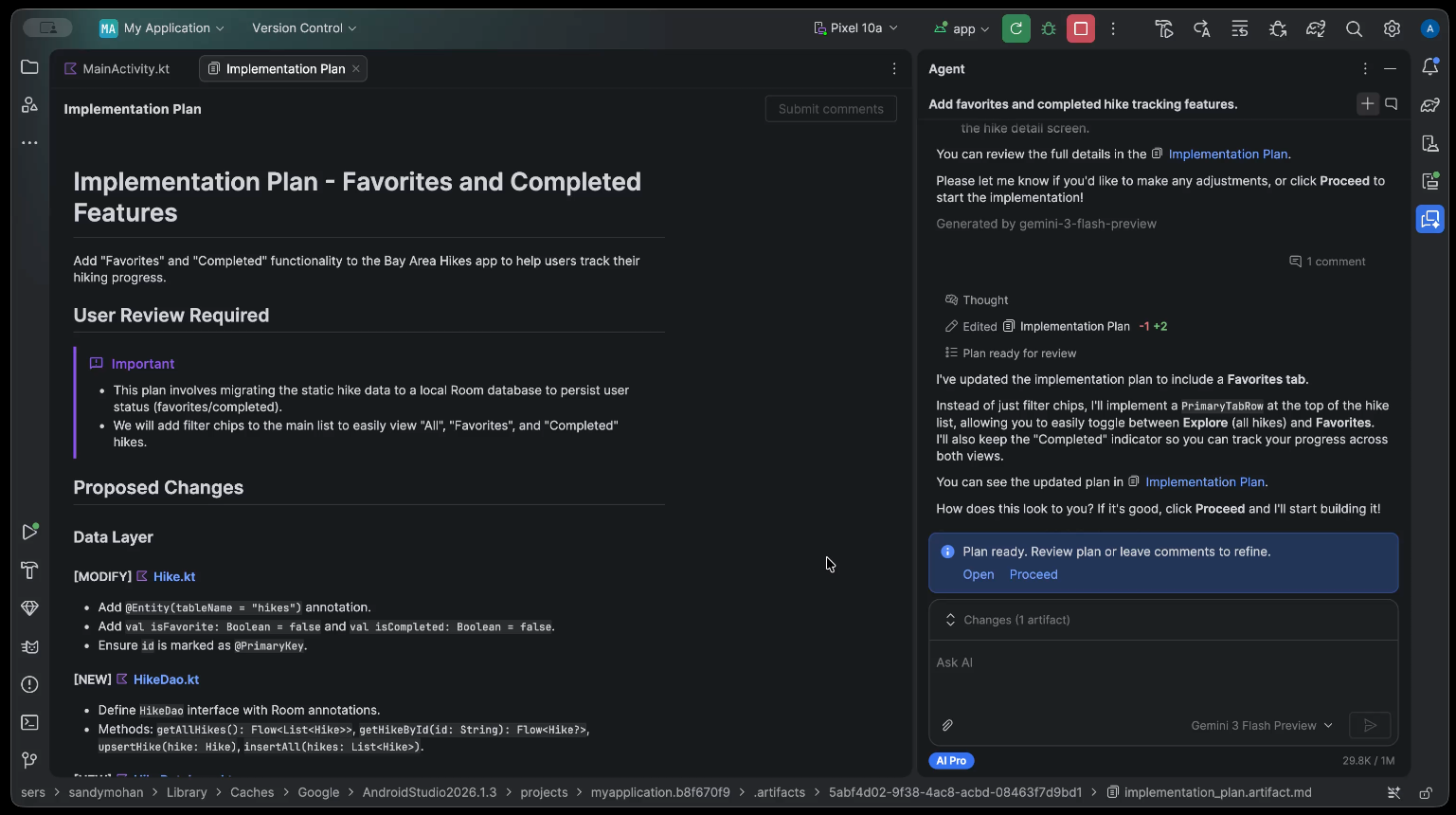
Add your feedback directly to the plan and send it to the agent by clicking Submit comments. The agent will use your comments to revise the proposed implementation.
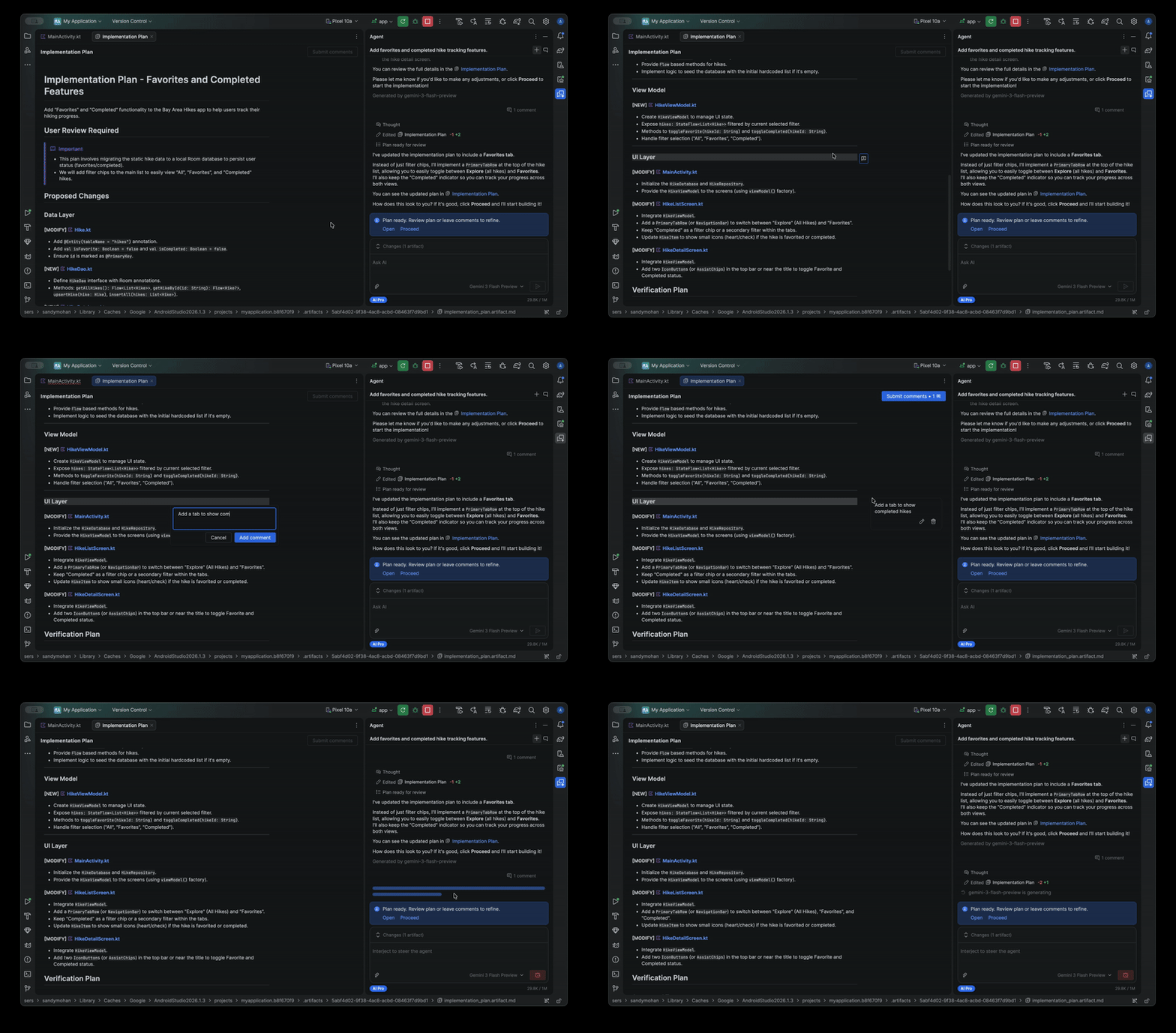
When you are completely satisfied with the plan, click Proceed to implement the plan.
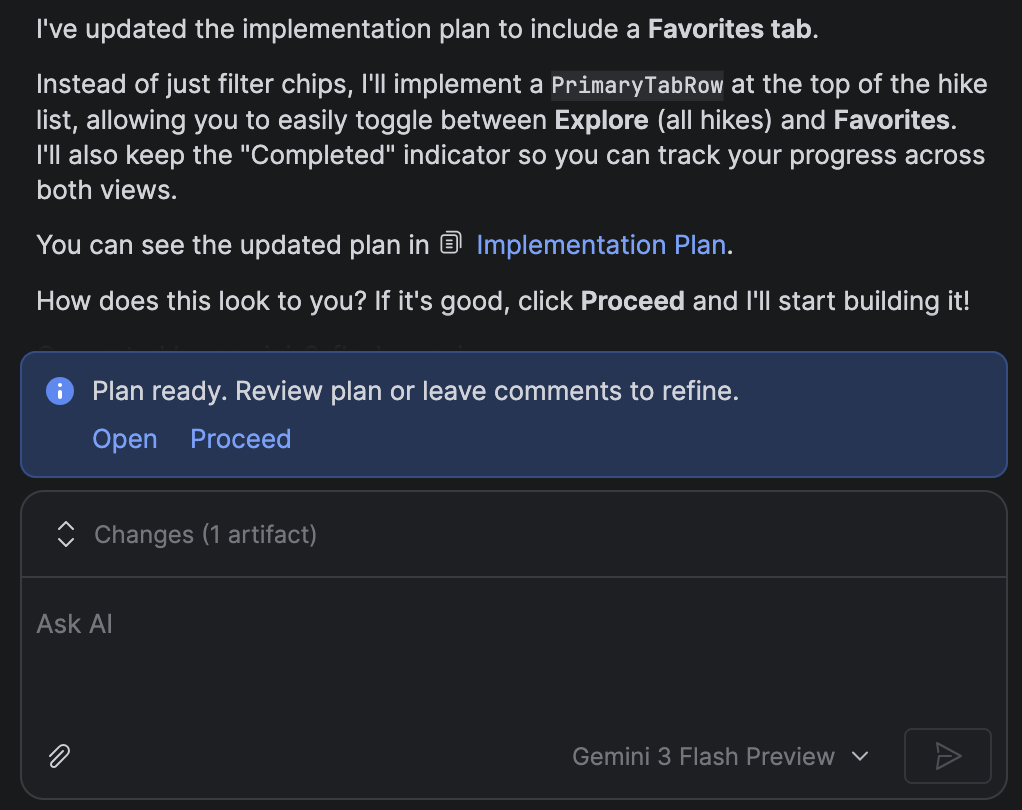
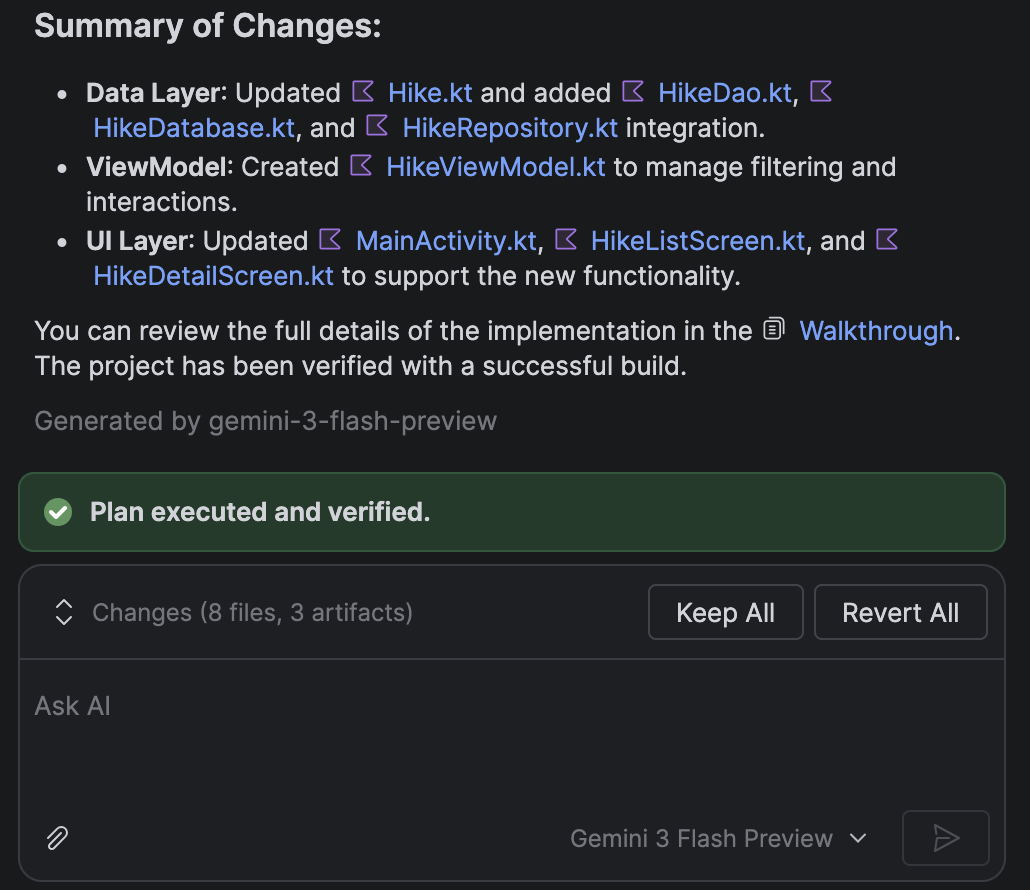
After the work is done, the agent produces a summary of exactly what has been changed, so you can review the updates.
MCP Marketplace
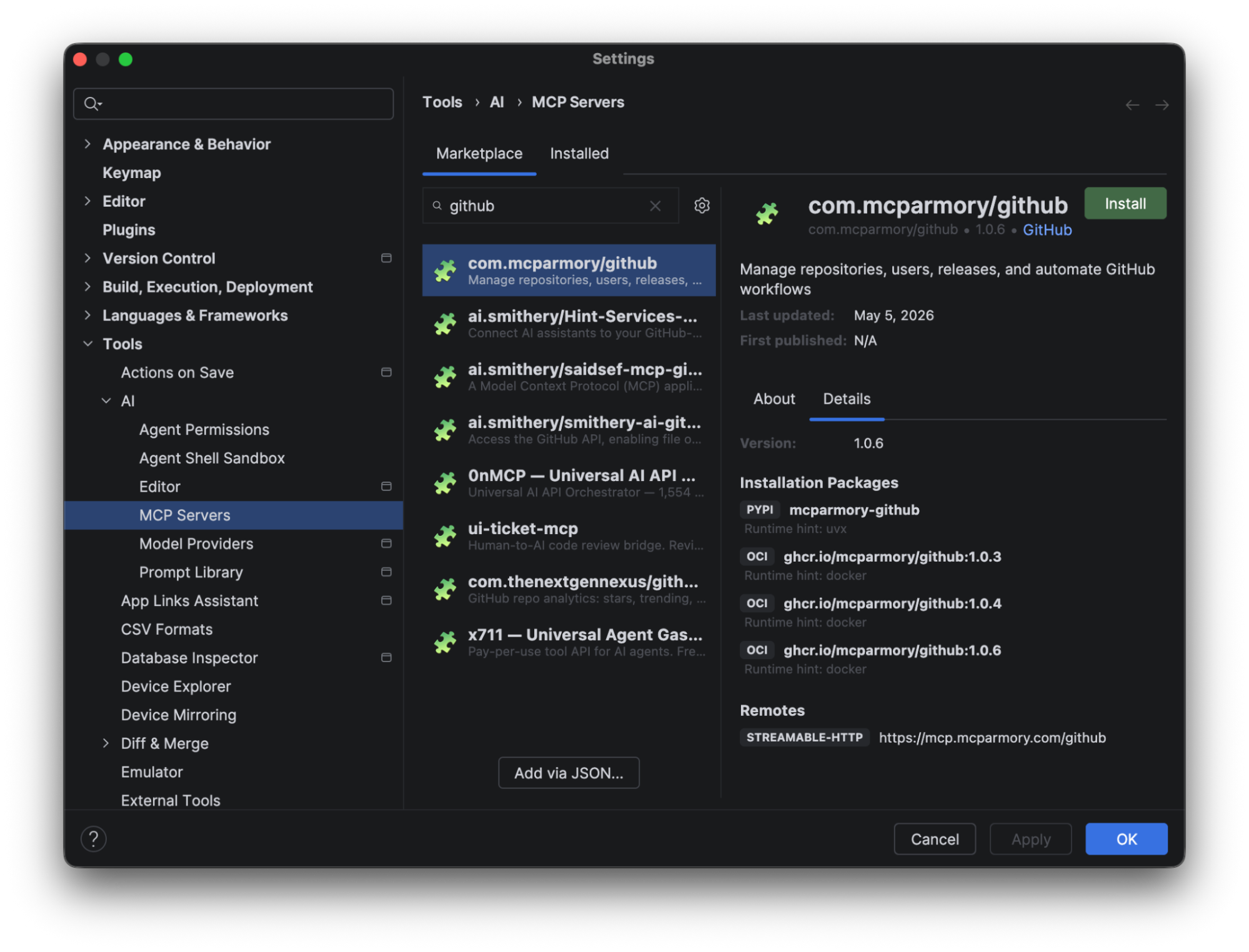
Starting in Quail 3, we're making it easier for you to find and add MCP servers. Navigate to Settings > Tools > AI > MCP Servers to browse for a server and install it.
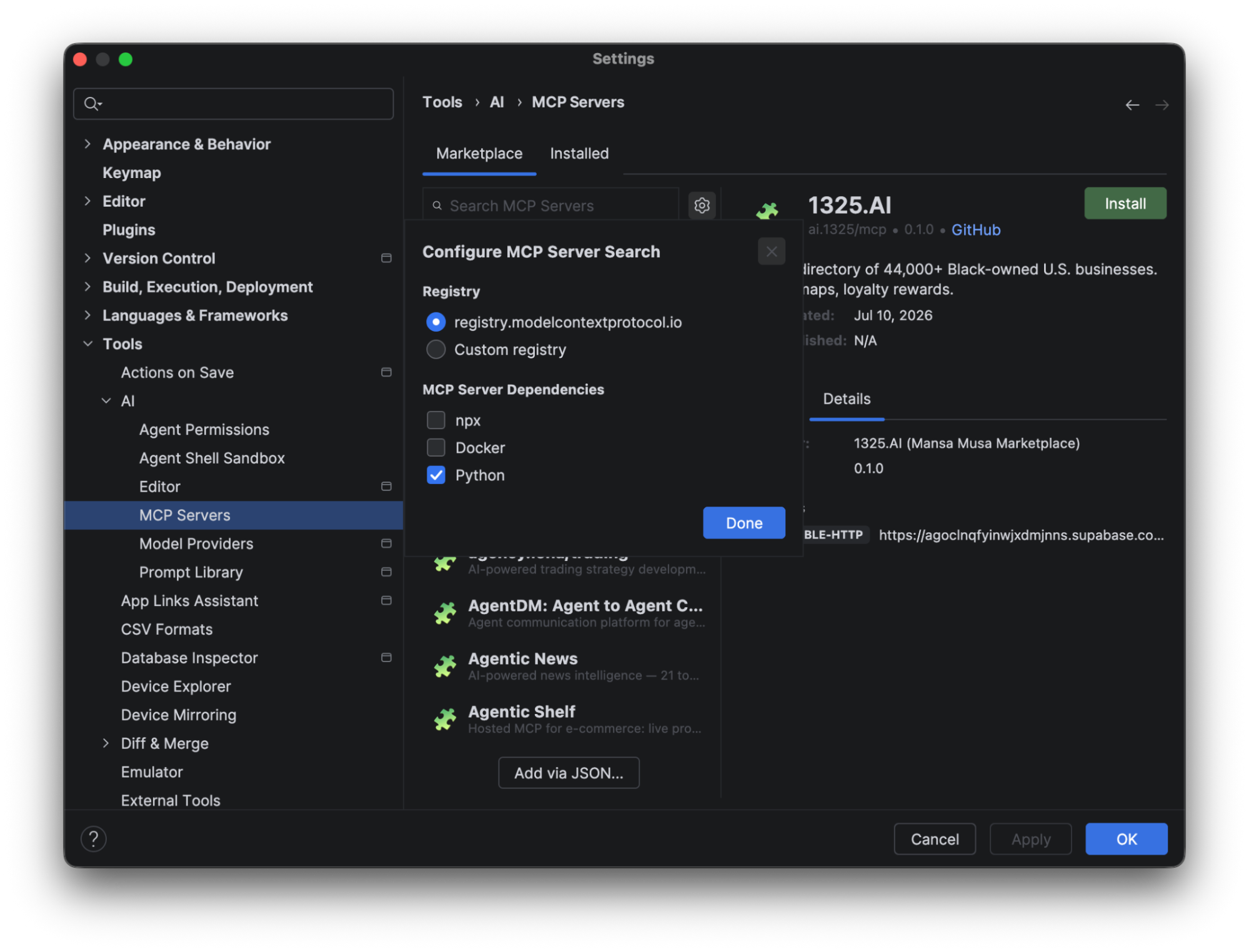
The Marketplace tab lists all the servers available on ModelContextProtocol.io. Click the gear icon to switch to a custom registry or to filter by MCP server type (such as NPX, Docker, or Python).
Merge Conflicts action
Quail 3 introduces a new
 Merge Conflicts with Agent button into the Commit tool window that
instructs the agent to automatically merge conflicts. When there are one or more
conflicting files in the repositories, you can click this button to launch a new
agent session targeting those files.
Merge Conflicts with Agent button into the Commit tool window that
instructs the agent to automatically merge conflicts. When there are one or more
conflicting files in the repositories, you can click this button to launch a new
agent session targeting those files.