

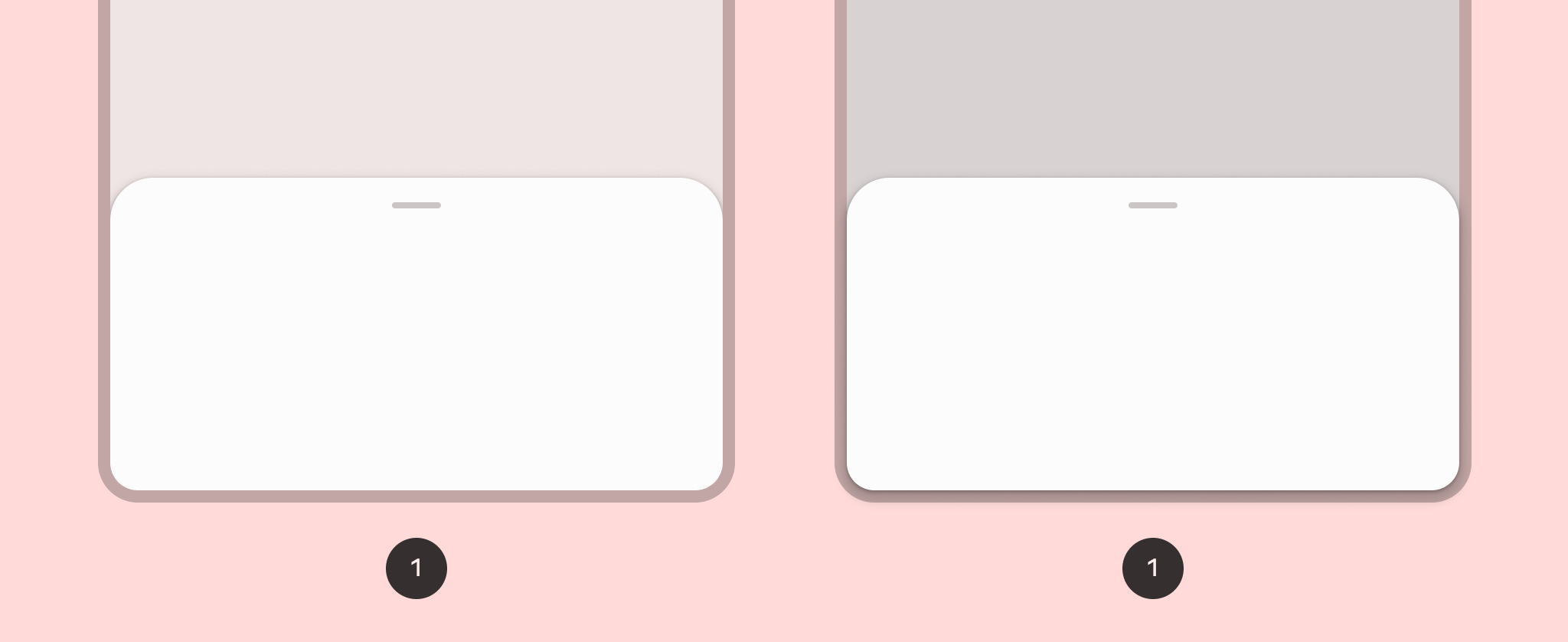
หากต้องการใช้ Bottom Sheet คุณสามารถใช้ Composable ของ ModalBottomSheet ได้
คุณสามารถใช้ช่อง content ซึ่งใช้ ColumnScope เพื่อจัดเลย์เอาต์ฟังก์ชันที่ประกอบกันได้ของเนื้อหาชีตในคอลัมน์
ModalBottomSheet(onDismissRequest = { /* Executed when the sheet is dismissed */ }) { // Sheet content }
ควบคุมสถานะชีตโดยใช้โปรแกรม
หากต้องการขยายและยุบชีตแบบเป็นโปรแกรม ให้ใช้ SheetState คุณสามารถใช้ rememberModalBottomSheetState เพื่อสร้างอินสแตนซ์ของ SheetState ที่ต้องส่งไปยัง ModalBottomSheet ด้วยพารามิเตอร์ sheetState SheetState ให้สิทธิ์เข้าถึงฟังก์ชัน show และ hide รวมถึงพร็อพเพอร์ตี้ที่เกี่ยวข้องกับสถานะชีตปัจจุบัน ฟังก์ชันการระงับเหล่านี้ต้องใช้ CoroutineScope เช่น การใช้ rememberCoroutineScope และคุณสามารถเรียกใช้ฟังก์ชันเหล่านี้เพื่อตอบสนองต่อเหตุการณ์ UI ได้ อย่าลืมนำ ModalBottomSheet ออกจาก Composition เมื่อซ่อน Bottom Sheet
val sheetState = rememberModalBottomSheetState() val scope = rememberCoroutineScope() var showBottomSheet by remember { mutableStateOf(false) } Scaffold( floatingActionButton = { ExtendedFloatingActionButton( text = { Text("Show bottom sheet") }, icon = { Icon(Icons.Filled.Add, contentDescription = "") }, onClick = { showBottomSheet = true } ) } ) { contentPadding -> // Screen content if (showBottomSheet) { ModalBottomSheet( onDismissRequest = { showBottomSheet = false }, sheetState = sheetState ) { // Sheet content Button(onClick = { scope.launch { sheetState.hide() }.invokeOnCompletion { if (!sheetState.isVisible) { showBottomSheet = false } } }) { Text("Hide bottom sheet") } } } }
