

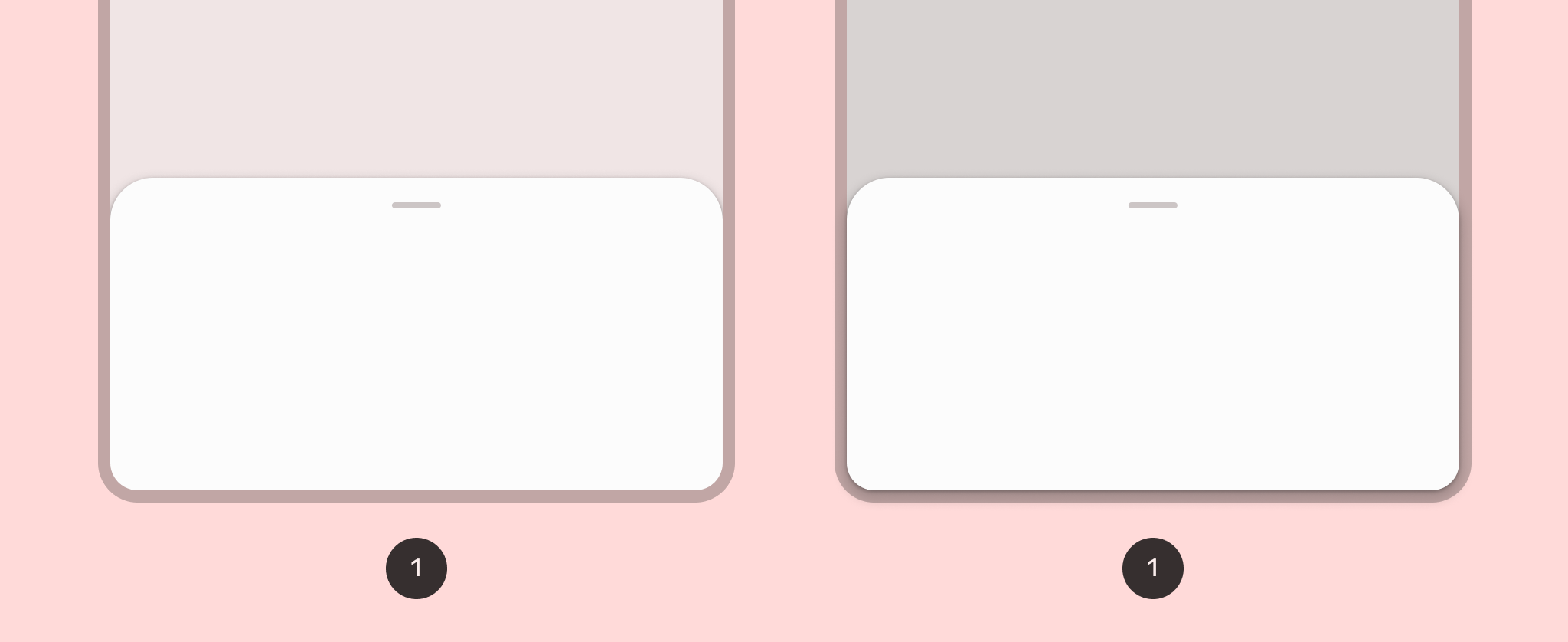
하단 시트를 구현하려면 ModalBottomSheet 컴포저블을 사용하면 됩니다.
ColumnScope를 사용하여 열에서 시트 콘텐츠 컴포저블을 배치하는 content 슬롯을 사용할 수 있습니다.
ModalBottomSheet(onDismissRequest = { /* Executed when the sheet is dismissed */ }) { // Sheet content }
프로그래매틱 방식으로 시트 상태 제어
프로그래매틱 방식으로 시트를 확장하고 축소하려면 SheetState를 사용합니다. rememberModalBottomSheetState를 사용하여 sheetState 매개변수로 ModalBottomSheet에 전달해야 하는 SheetState 인스턴스를 만들 수 있습니다. SheetState를 통해 show 및 hide 함수뿐만 아니라 현재 시트 상태와 관련된 속성에도 액세스할 수 있습니다. 이러한 정지 함수는 CoroutineScope가 필요하고(예: rememberCoroutineScope 사용) UI 이벤트에 대한 응답으로 호출할 수 있습니다. 하단 시트를 숨길 때 컴포지션에서 ModalBottomSheet를 삭제해야 합니다.
val sheetState = rememberModalBottomSheetState() val scope = rememberCoroutineScope() var showBottomSheet by remember { mutableStateOf(false) } Scaffold( floatingActionButton = { ExtendedFloatingActionButton( text = { Text("Show bottom sheet") }, icon = { Icon(Icons.Filled.Add, contentDescription = "") }, onClick = { showBottomSheet = true } ) } ) { contentPadding -> // Screen content if (showBottomSheet) { ModalBottomSheet( onDismissRequest = { showBottomSheet = false }, sheetState = sheetState ) { // Sheet content Button(onClick = { scope.launch { sheetState.hide() }.invokeOnCompletion { if (!sheetState.isVisible) { showBottomSheet = false } } }) { Text("Hide bottom sheet") } } } }
