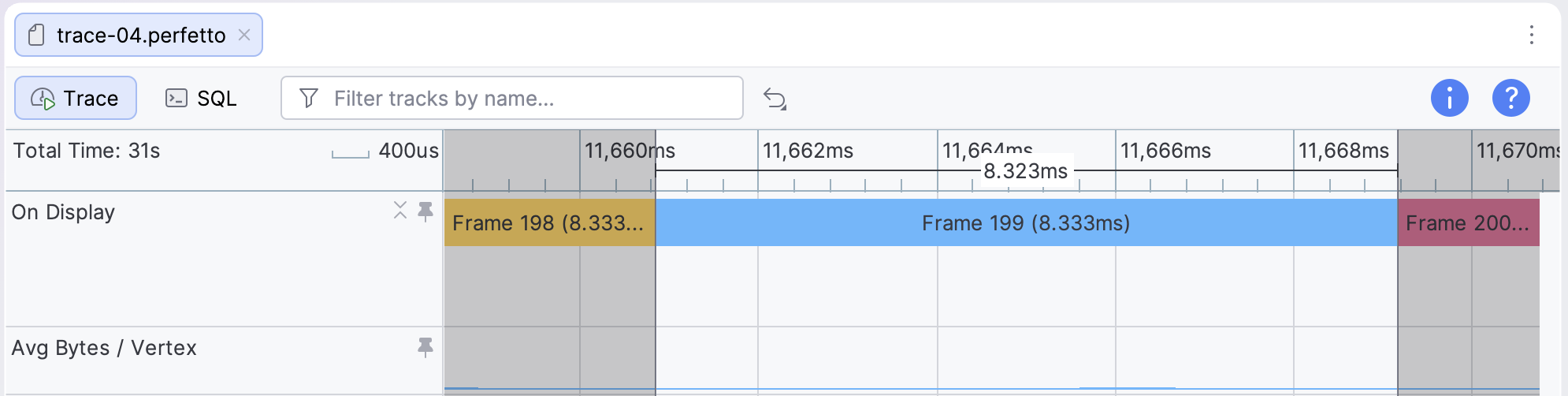
The memory bandwidth of vertex data can be a potential bottleneck for your app or game's GPU performance. This guide demonstrates how you can use GPU counter data from a system trace to diagnose vertex memory bandwidth issues.
Relevant counters
Different GPU families expose different performance counters in a system trace. Select a GPU family to see relevant counters for this analysis task.
Adreno
| Counter | Description |
|---|---|
| Vertex Memory Read (Bytes/Second) | Bandwidth of vertex data read from external memory. |
| Avg Bytes/Vertex | Average size of vertex data, in bytes. |
| % Vertex Fetch Stall | Percentage of clock cycles where the GPU is blocked on vertex data. |
Mali
| Counter | Description |
|---|---|
| Load/store read beats from external memory | Data beats read from external memory by the load/store unit, averaged over the shader cores. |
| Load/store read beats from L2 cache | Data beats read from the L2 cache by the load/store unit, averaged over the shader cores. |
To calculate the overall bandwidth from average read beats, multiply the counter value by the bus width (typically 16 bytes) and by the total number of shader cores.
Look for common issues
To analyze the behavior of these counters, you can measure the average and peak bandwidth over the course of a single GPU frame, which can be identified using frame slices in the On Display tracks for each layer under SurfaceFlinger Events.
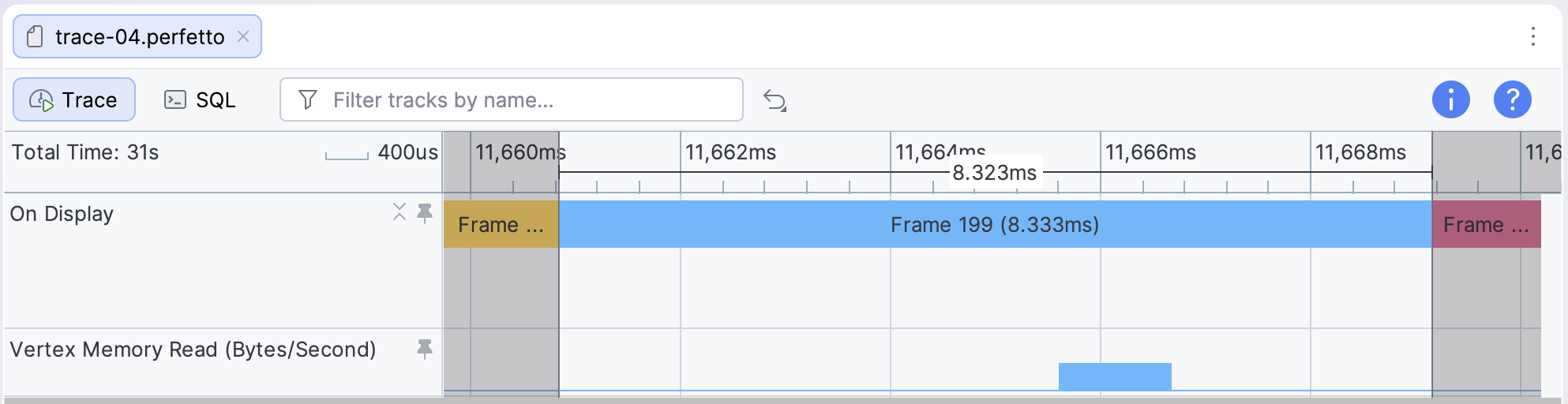
Look for instances where the peak vertex memory read bandwidth is higher than 1.5 GBps, or where the average read bandwidth is higher than 500 MBps. Values in those ranges indicate one of a few common issues:
- The vertex size is too big. Vertices might have large vertex attributes or a large number of vertex attributes, affecting vertex shading time.
- The vertex attribute streams aren't split. Vertex attributes might be interleaved into a single buffer, reducing cache efficiency
- Too many vertices are submitted per frame. Complex models or a large number of models can take up greater bandwidth and take longer to shade.
On Adreno GPUs, you can also diagnose vertex size issues using the Avg Bytes/Vertex counter track. If this value is higher than 32 bytes per vertex, it might be an indication that your vertex size is too big.